


Description
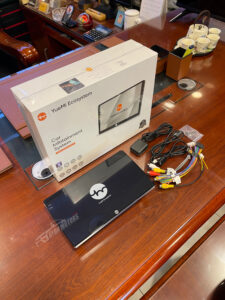
Powerful Performance & Generous Storage
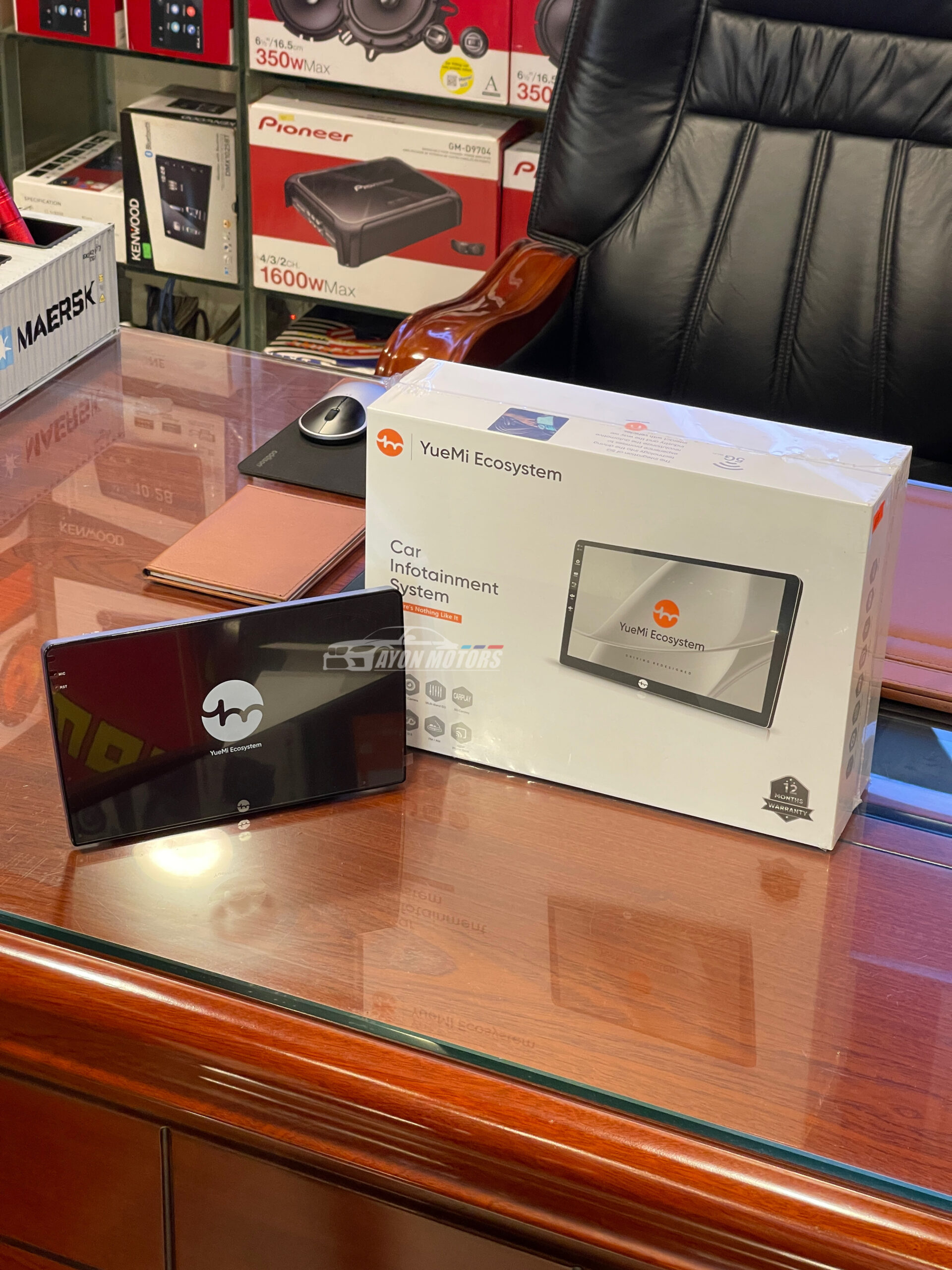
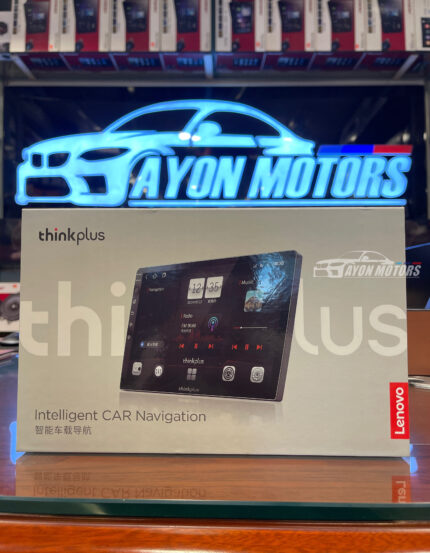
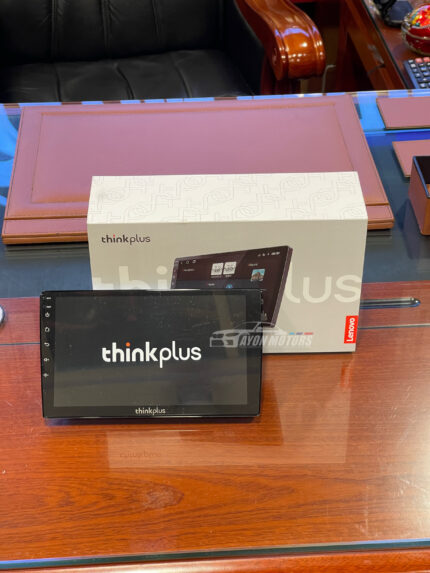
Powered by an efficient 8-Core processor paired with 4GB RAM and 64GB ROM, the YueMi Ecosystem Infotainment System handles navigation, HD video playback, and music streaming effortlessly. Switch between Google Maps, YouTube, and Spotify with zero lag.
Seamless Wireless CarPlay & Android Auto
Eliminate messy cables in your cockpit! With high-speed 5G Wi-Fi integration, your smartphone syncs automatically for Wireless Apple CarPlay and Wireless Android Auto. Access your phone’s calls, messages, navigation apps, and playlists safely via voice commands (Siri / Google Assistant) or direct touch interface.
Heavy-Duty Alloy Chassis with Active Cooling System
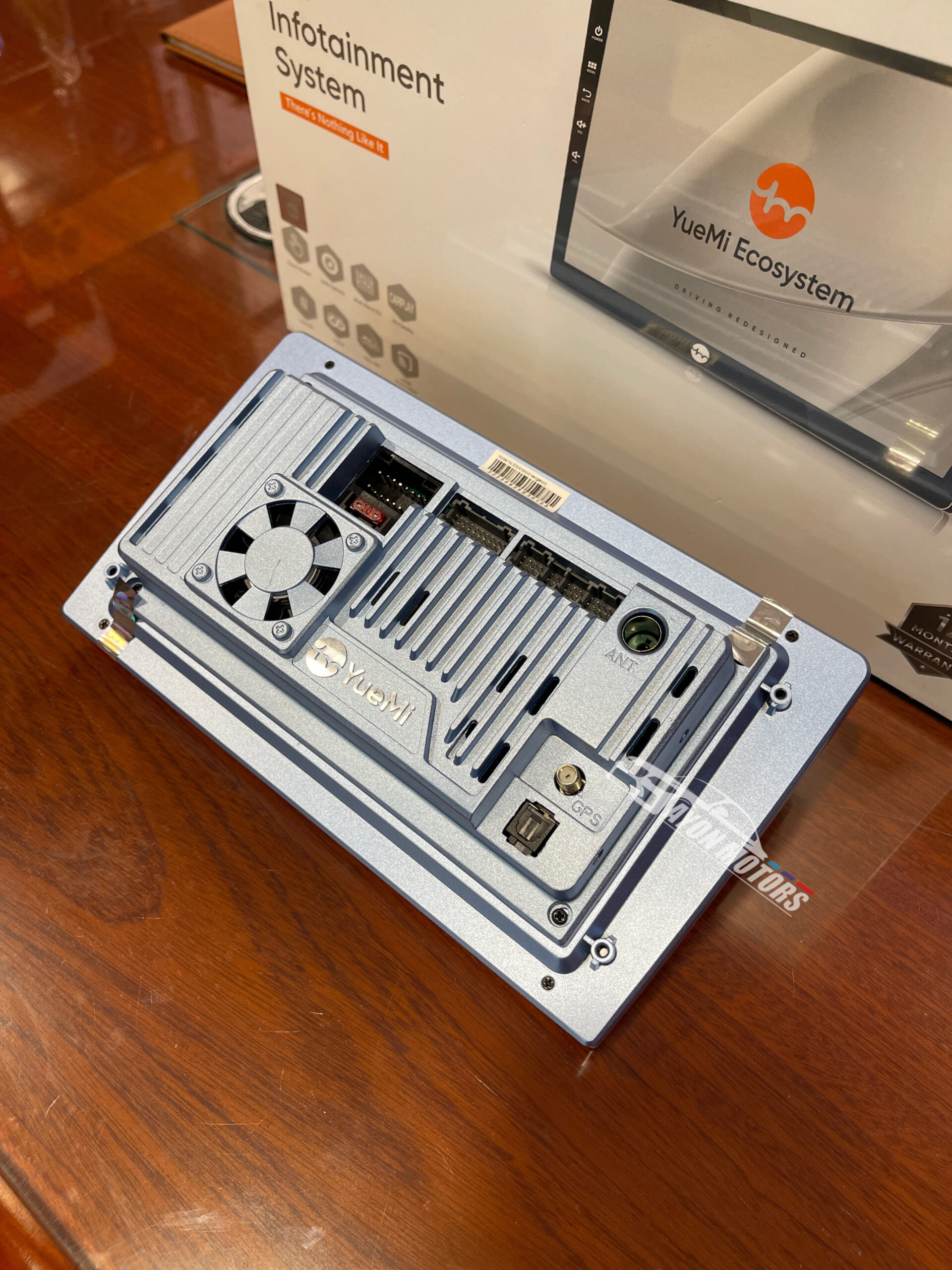
Unlike standard plastic-back Android players that overheat and slow down, the YueMi system features a premium metallic blue cast-alloy chassis with integrated heat dissipation fins and a built-in active mechanical cooling fan. This ensures your processor remains cool during long drives or intense summer weather, preventing system thermal throttling and extending hardware longevity.
Audiophile Sound Tuning & Advanced Video Interface
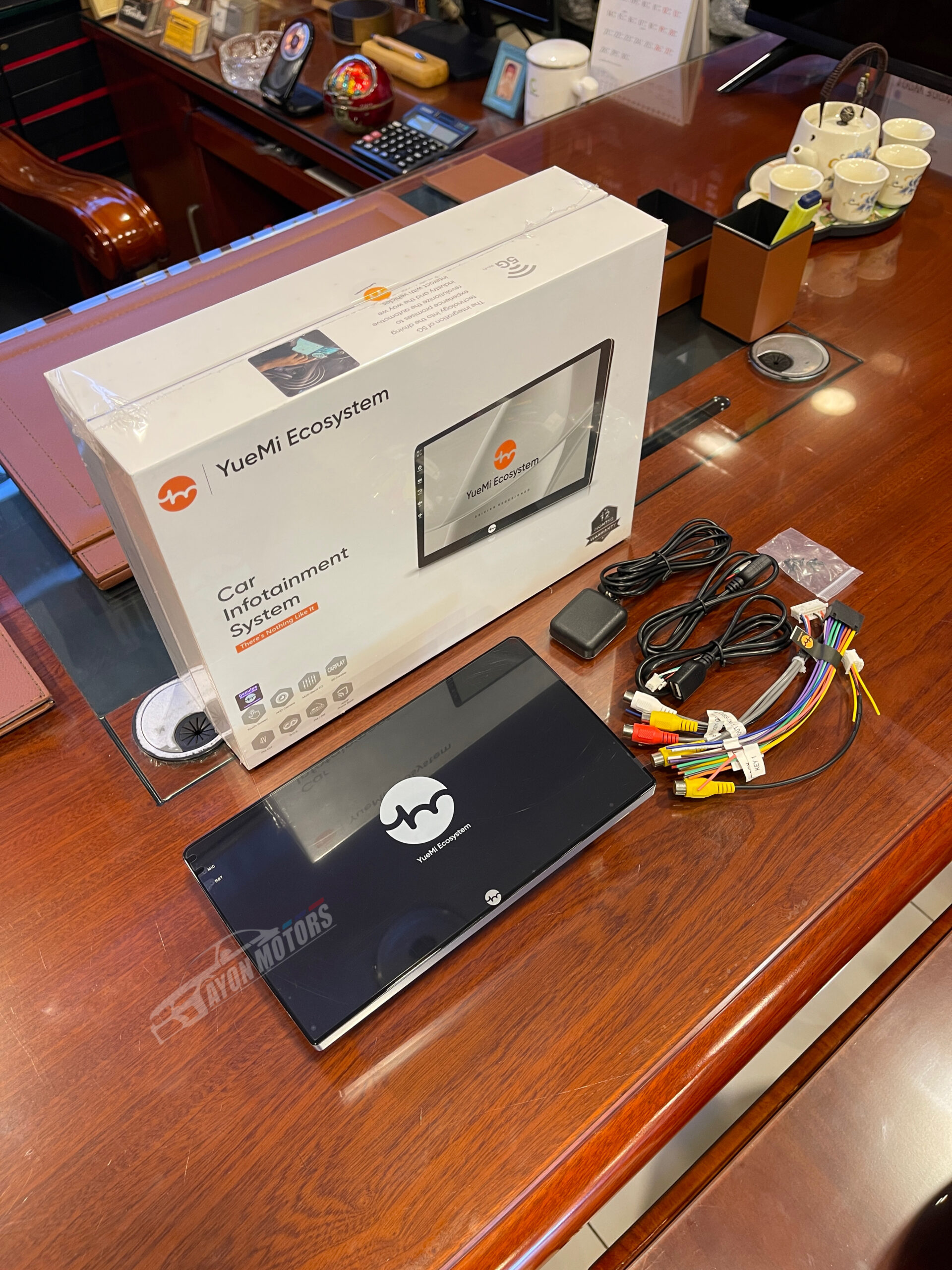
Features a built-in Multi-Band EQ DSP Engine, 4V Pre-Outs for external power amplifiers/subwoofers, and A2DP Phone Book Bluetooth streaming. For maximum driving safety, it natively supports AHD High-Definition Rearview Cameras, offering crisp, clear parking assistance day or night.
Technical Specification Index:
-
Brand : YueMi Ecosystem
-
System Type: Car Infotainment System / Android Head Unit
-
Memory & Storage: 4GB RAM / 64GB ROM
-
Display: HD Touch Screen (G+G Capacitive Glass Panel)
-
Smartphone Support: Wireless & Wired Apple CarPlay & Android Auto (5G Supported)
-
Audio Features: Multi-Band EQ DSP, 4V Pre-Out, FM/AM RDS, A2DP Bluetooth
-
Camera Input: AHD High-Definition Camera Supported
-
Cooling Architecture: Solid Cast-Alloy Metal Rear Heat Sink with Built-in Active Cooling Fan
-
Warranty: 12 Months Official Service Warranty
🛠️ Quick Android Monitor Installation Guide
-
Step 1: Turn off the vehicle ignition and disconnect the battery’s negative terminal for electrical safety.
-
Step 2: Carefully remove the factory dashboard fascia trim and unbolt the existing head unit.
-
Step 3: Place the GPS antenna near the front windshield/upper dash and route the dual USB extension cables into the glove compartment.
-
Step 4: Connect the plug-and-play YueMi main power harness, AHD camera input line, RCA cables, and radio antenna to the rear ports.
-
Step 5: Mount the YueMi unit into the frame, reattach the dash panel, reconnect the battery, and power on to test CarPlay and audio settings.





Reviews
There are no reviews yet.